

Every place has stories.
Make them accessible to everyone.
beacbeac is a Bluetooth-enabled platform that uses battery-powered beacons to deliver accessible, self-guided storytelling to all visitors — including blind, low-vision, Deaf, and hard-of-hearing visitors — at museums, festivals, downtowns, parks, and other public places.
The short version
What beacbeac does
Visitors download the beacbeac app once; after that, the right story appears automatically as they approach each point of interest, with no QR codes, no scanning, and no menu to search.
- Platform
- Bluetooth-enabled, using small battery-powered beacons placed on-site.
- Who it serves
- All visitors, including blind, low-vision, Deaf, and hard-of-hearing visitors.
- Where it is used
- Museums, festivals, downtowns, parks, and other public places.
- Setup for visitors
- One-time app download.
- How it works
- The right story appears automatically as a visitor approaches each point of interest.
- What it replaces
- No QR codes, no scanning, no menu to search.
The mechanics
How it works
Mark the places, attach the stories.
Place small, weather-resistant, battery-powered beacons anywhere with a story to tell — a trailhead, a stage, a storefront, a sculpture. Add photos, descriptions, and audio from a web dashboard, with text-to-speech built in so every story can be heard as well as read. No wiring and no Wi-Fi at the site, and no reprinting when a story changes.
Visitors download the app once.
One download, at the entrance or the gate. After that the story arrives on their phone as they approach — automatically. No maps to decode, no plaques to squint at, no QR codes to hunt down, and no setup to repeat on the next visit.
It arrives the way they need it.
beacbeac works with the accessibility features already on a visitor’s phone — VoiceOver or TalkBack, text-to-speech, zoom, high contrast — and follows the language the phone is set to, in English, French, or Spanish. A story can carry text, audio, and video, including ASL video where you provide it.
And it runs with the team you already have — no IT department required.
- A real dashboard, not a science project. Manage beacons, stories, and status from the admin console in your browser, or from the app in the field.
- See how your space is used. Anonymous engagement analytics show which stories draw attention, how many visitors you reached, and how visits trend over time — evidence for your board, your funders, your next grant.
Experience beacbeac in your own space.
Book a demoWho it’s for
Built for spaces like yours
Most public places want to be more welcoming to visitors of all abilities. The tools available tend to create friction at exactly the wrong moment — so here is what that looks like in four kinds of place, and what changes.
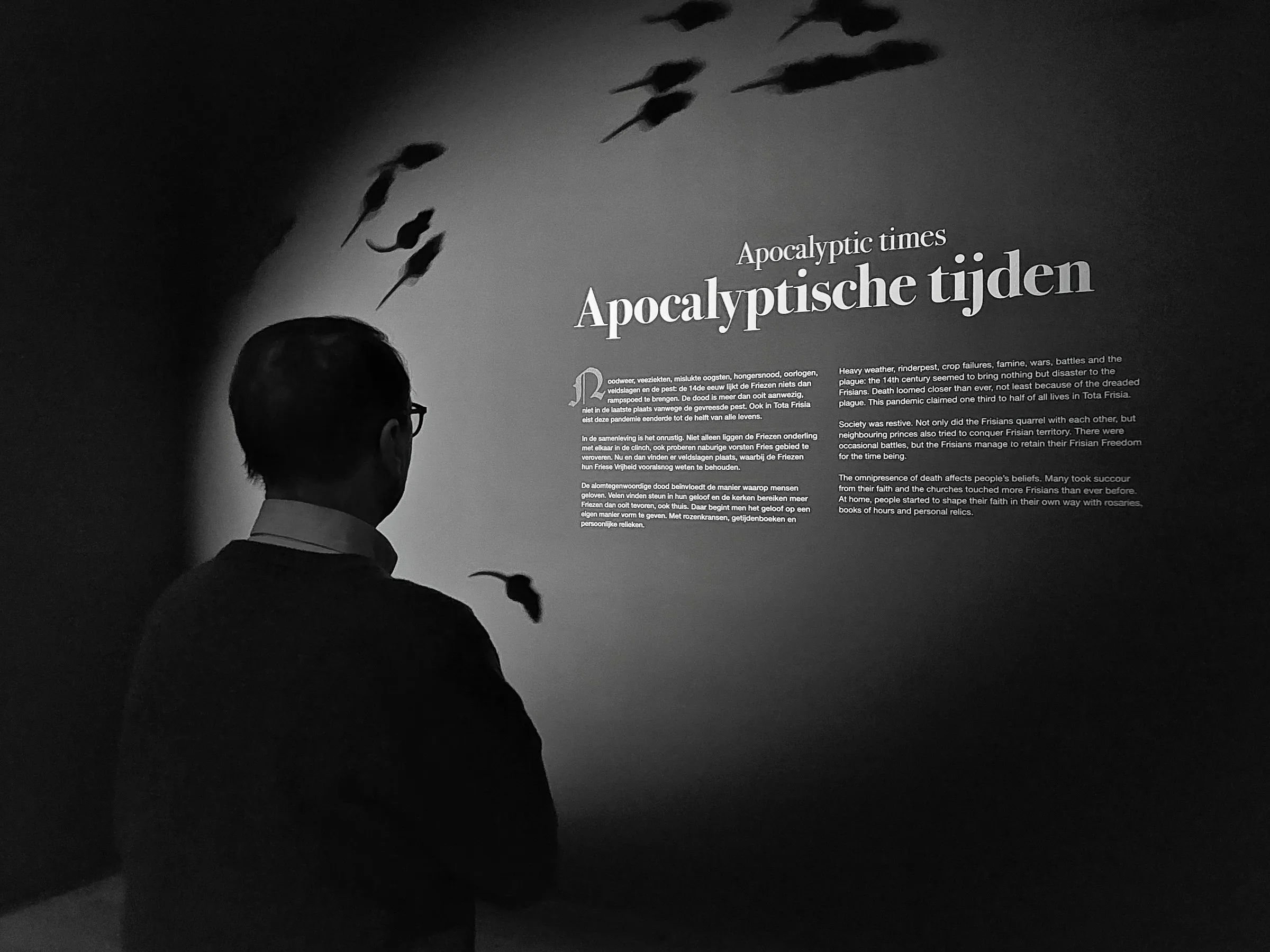
Museums & Galleries
Interpretation for collections, on every visitor’s own phone.
Wall text and printed guides assume every visitor can see and read them up close.
The beacbeac solution
The collection introduces itself as visitors approach each work, read aloud by the screen reader or text-to-speech they already use — and managed from one dashboard, with nothing to wire.
Festivals & Events
Accessible programming for temporary sites where permanent signage isn’t an option.
Temporary sites can’t rely on permanent signage, and schedules change on a dime.
The beacbeac solution
Portable beacons go up at every stage the day before doors open, update from a browser, and redeploy next year just as fast — with nothing to reprint.
Municipalities & BIAs
Accessible storytelling for downtowns, main streets, and public spaces.
A downtown’s history lives in people’s heads, not on a plaque visitors will stop to read.
The beacbeac solution
A self-guided tour of storefronts, architecture, and neighbourhood voices — curated by the people who know it best, and reaching every visitor on the phone already in their hand.
Parks, Trails & Heritage
Weather-resistant interpretation for sites with no wiring and no network of their own.
There’s no wiring, no network, and often no visitor centre to explain what’s here.
The beacbeac solution
Weather-resistant, battery-powered beacons speak the history under the bridge or the species in the wetland — aloud, for visitors who can’t read a trailside plaque.
Gardens, campuses, community centres, sculpture parks — if people move through it, beacbeac can help them hear it.
Comparison
beacbeac vs. the old way
| Compared on | beacbeac | QR code | Static signage / print | Bespoke app | Do nothing |
|---|---|---|---|---|---|
| User effort | Low (one-time download) | High (scan at every stop) | High (not accessible) | High (download + navigate menu) | N/A (no experience offered) |
| Works for low-vision visitors | Yes | No (must find & read code) | No | Rarely (menu-dependent) | No |
| Works for Deaf / hard-of-hearing visitors | Yes — story text is always available | Depends (if code links to text) | Yes (if visible) | Depends (if captioned) | No |
| Updating content | Easy — dashboard, no reprint | Reprint codes | Reprint materials | App update & redeploy | N/A |
| Setup for temporary or pop-up events | Fast (portable, battery-powered) | Moderate (print & place codes) | Slow (produce & remove signage) | Slow (dev/CMS time per event) | None |
| Cost as you scale | Low (per-beacon rate steps down) | Low per code, but linear | High (labour at scale) | High (dev & maintenance) | None (but visitors lost) |
| Arrival cues and wayfinding | Some — proximity confirms arrival, not turn-by-turn navigation | None (a code cannot help you find it) | Static maps only | Varies (most have no real-time positioning) | None |
One row is deliberately not a win. Proximity confirms that a visitor has arrived at a point of interest; it is not turn-by-turn navigation, and a table where every row goes our way is a table nobody believes.
Wondering what that would cost in your space?
See what it would costPricing
Simple, transparent pricing
Published per-beacon rates, listed by the month and billed annually. You pay the rate of the band each beacon falls in — like tax brackets — so the price per beacon steps down as a space grows. Built for year-round venues.
2-beacon minimum. $30 refundable deposit per beacon, once. All prices CAD.
Running an event rather than a venue? The estimate builder prices a festival or activation by its run, not by the month.
$40per beacon / month
- Your first 4 beacons
- $40
- Your next 4 (5 through 8)
- $35
- Every beacon after 8
- $25
Down to $25 a beacon at scale.
Proof
Why trust beacbeac
Built with, and out in the field
![Centre[4]Arts](/_astro/centre4-art-research.Bc-MJ6MS_2c6hdd.webp)


beacbeac is by BluHeron Interactive, in collaboration with Centre[4]Arts — developed hand-in-hand with cultural institutions and co-designed with Deaf and disabled communities to make art more reachable. That work taught us something bigger: every public place is a collection, and every community deserves access to it.
Read our storyGrant-backed origin
beacbeac began as a Canada Council for the Arts–funded project, developed with Centre[4]Arts in Hamilton — vetted by a national funding body, and built inside a community arts organization already working with disabled communities.
Canadian-made and Canadian-hosted
Built by a Canadian company. Visitor engagement data is anonymous and lives in a Canadian data region — never sold, never rented, and never shared with third parties for their own purposes.
Independently audited, twice. An external accessibility specialist reviewed beacbeac in 2026 — 12 findings between the two audits, and all 12 are closed.
- The visitor app
- Audited June 2026 · 6 findings · all closed by July 2026VoiceOver and layout review on iOS. Every finding shipped with a test, so none of them can come back unnoticed.
- The operator handbook
- Audited July 2026 · 6 findings · all closed by August 2026Review of docs.beacbeac.com, the documentation your team uses.
Access isn’t a feature we added
It’s the reason this exists. beacbeac was co-designed with Blind, Low Vision, Deaf, Deafblind, and disabled community members — so autonomous, personalized access to your space isn’t an afterthought. It’s the architecture.
- Nothing to hunt for. Stories arrive as visitors approach. No hard-to-find QR codes, no app-menu spelunking, no tiny map pins.
- Listenable by design. Every story can be read aloud with built-in text-to-speech — for low-vision visitors, tired eyes, or anyone who’d rather look up than down.
- An interface in three languages. The app follows the language already set on a visitor’s phone — English, French, or Spanish.
- Made with screen readers, not just tested against them. The app is built for VoiceOver and TalkBack from the ground up.
- Standards, not vibes. Designed to support the outcomes AODA is built around: removing barriers to information and experience for visitors with disabilities.
Questions
Frequently asked questions
Does beacbeac require an app?
Yes — visitors download the free beacbeac app once. After that, everything happens automatically as they move through a space.
Does it work on iPhone and Android?
Yes, both. It is live on the App Store and Google Play today.
What languages does it support?
The app’s interface works in English, French, and Spanish, following the language already set on a visitor’s phone.
Do I need Wi-Fi?
You need Bluetooth switched on and a data connection — that can be Wi-Fi or the phone’s own data plan.
How many beacons do I need?
It depends on how many points of interest you want to bring to life. A beacon can carry a single story, or a small group of related pieces — useful when several works along one wall can share one beacon. Rates step down as you add beacons, with a 2-beacon minimum, and our team helps scope the right number for your space during onboarding.
How close does a visitor have to be to a beacon?
Detection range is set per beacon, using four presets from about 1 metre to about 15 — tight for closely spaced exhibits so they don’t trigger each other, wide for a standalone piece like a trailhead marker or a sculpture. Real range varies with mounting, walls, and crowds, so it is worth testing on site.
Does beacbeac help with AODA compliance?
beacbeac delivers your own interpretive content to visitors in accessible formats — text a screen reader reads aloud, audio, and, where you provide it, video — automatically as they approach, with nothing to ask for, scan, or search. That is one of the outcomes AODA is built around: removing barriers to information and experience for visitors with disabilities. What it is not is a compliance guarantee — compliance is a determination about your organization and its whole practice, not a property of a product you bought — so your accessibility lead is the right person to judge the fit.
Does beacbeac meet WCAG standards?
WCAG is the benchmark digital accessibility is measured against, and it is how we build. The visitor app was reviewed by a third-party accessibility specialist in June 2026 — six VoiceOver and layout findings, all six fixed, each with a regression test. The admin console ships blocking automated accessibility checks on every change, plus a documented manual assistive-technology pass, and it publishes its own accessibility statement at app.beacbeac.com/accessibility — what is enforced on every change, what was checked by hand, and what is still untested. The visitor app has no published statement yet, and neither surface has an Accessibility Conformance Report, which is the artifact procurement reviews ask for by name.
How do I know I can trust beacbeac with my content and my visitors?
beacbeac is by BluHeron Interactive, in collaboration with Centre[4]Arts, co-designed from the start with Blind, Low Vision, Deaf, and Deafblind community members and grant-backed by the Canada Council for the Arts. Two surfaces have been independently audited for accessibility in 2026 — the visitor app and the operator handbook — with twelve findings between them and all twelve closed. It is Canadian-made and Canadian-hosted: visitor engagement data is anonymous, lives in a Canadian data region, and is never sold, rented, or shared with third parties for their own purposes.
Your space has stories. Let’s make them reachable.
For organizations & venues
Talk to us about bringing beacbeac to your space.
Bring beacbeac to your space